Sign PDF Documents
Without the Hassle.
Digital signature solution for daily administrative needs. Free, no login, and privacy 100% kept on your device.
Why Dely Sign?
We redesigned the document signing experience to be more human and efficient.
100% Secure Privacy
Unlike other services, we do not upload your PDFs to the cloud. All encryption and signing processes happen right in your browser.
No Login Required
Forget account registration or email verification. Open the site, finish the document, then close it.
Smart Filter
Adding a signature from a photo of paper? We automatically remove the background to make it look professional.
Mobile-First Design
Our interface is designed specifically for touch screens. Signing with a finger feels natural, navigation is thumb-friendly, and it's responsive on all screens.
How it Works
Simple. Fast. Efficient.
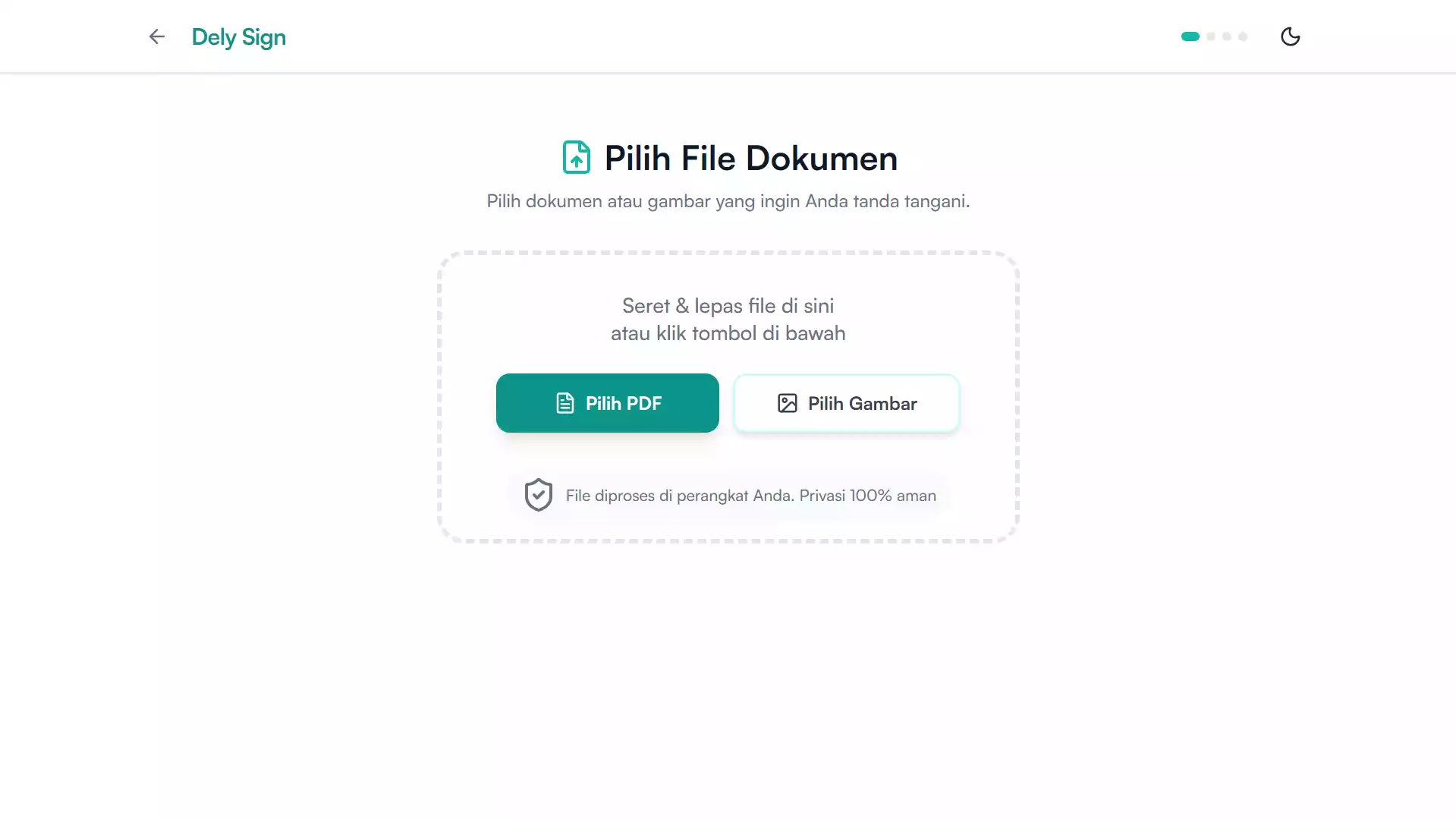
Select Document
Choose a PDF file or scanned photo (JPG/HEIC) directly from your device. The process runs 100% in the browser without uploading to a server.
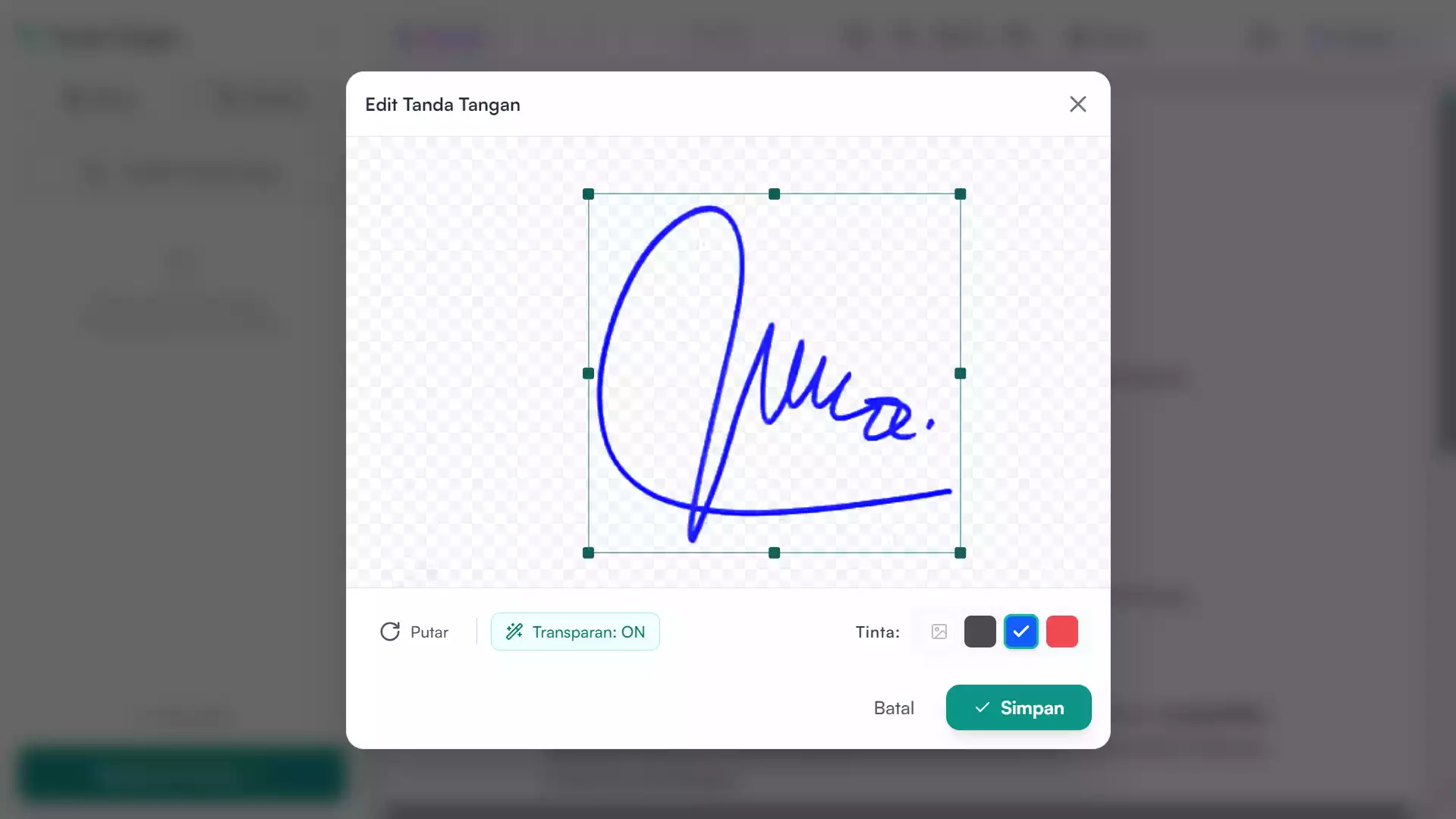
Create Signature
Draw a digital signature on the touchscreen, or choose a photo of a signature from paper. Transparent features automatically blend the signature neatly.
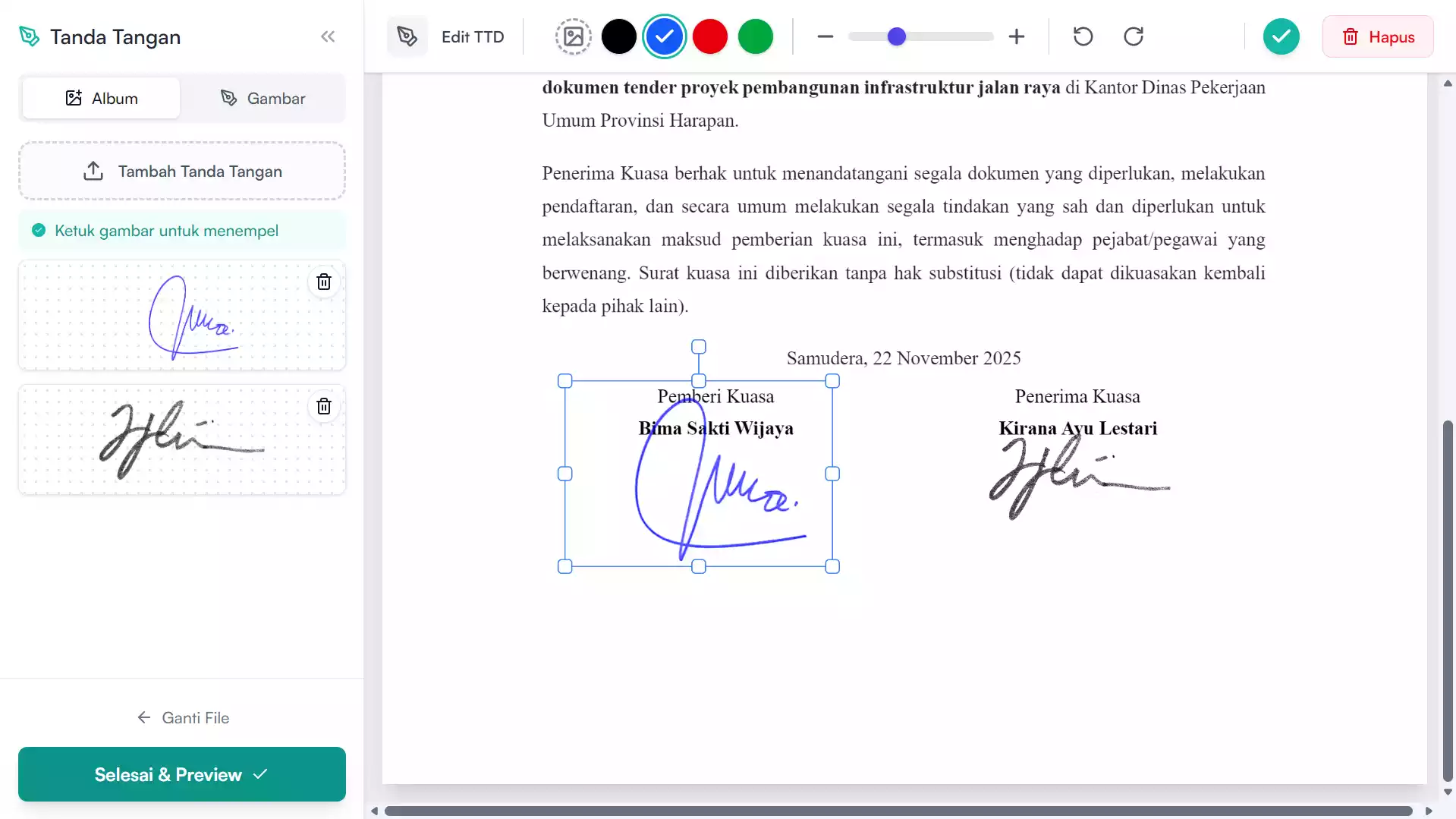
Edit PDF
Place the signature with precision. Add text, stamps, dates, or use the Redaction (Censor) feature to permanently cover sensitive information.
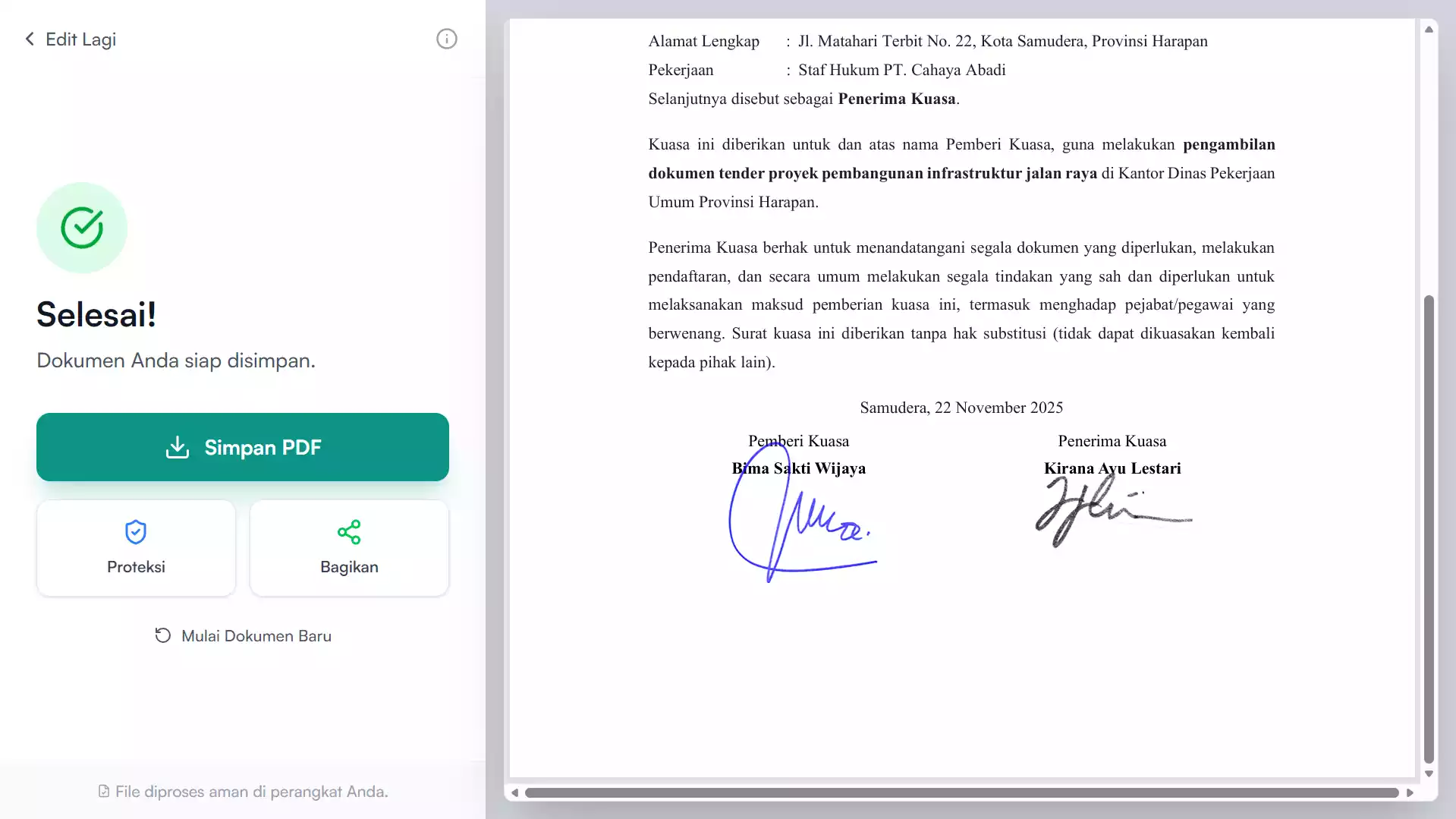
Save Without Watermark
Press finish to process the document. The PDF file is ready to download or send via WhatsApp & Email in high quality, free of charge.
One Tool, Many Solutions
Whatever your profession, Dely Sign cuts through boring paper bureaucracy.
Freelancers & SMBs
Send invoices, quotes, and delivery orders in seconds. Get paid faster, business runs smoother.
Students & Education
Handle internship letters, registration forms, or assignment approval sheets without needing a printer.
Admin & Operations
Leave forms, reimbursements, internal memos, to proof of handover. Digitization without the fuss.
Got Questions?
We Have Answers.
If you don't find the answer you're looking for, feel free to contact us via email.
Contact SupportNot at all. Dely Sign processes documents directly in your browser (Client-side). Our server never sees the contents of your file.
Yes. The current version is free to use with no limit on the number of documents. We believe privacy is a basic right.
For administrative purposes, invoices, internal letters, and private agreements, this signature is generally acceptable. However, for vital legal documents, certified signatures (CA) are recommended.
Absolutely! Dely Sign is designed 'Mobile First'. The experience on mobile is actually more comfortable because you can sign with your finger directly on the screen.
We don't ask you to log in, don't limit daily quotas, and most importantly: we don't upload your files to the cloud.